Understanding TradingView: A Comprehensive Overview
In the fast-paced world of trading, navigating the complexities of financial markets can be overwhelming. Whether you're trading stocks, forex, cryptocurrencies, or derivatives, having the right tools to analyze trends and execute trades is essential. TradingView emerges as a powerful platform that consolidates various tools and resources needed for effective market analysis and strategy development. This article provides an in-depth look at TradingView, showcasing its features, benefits, and how to leverage them for successful trading.
What is TradingView and How Does It Work?
TradingView is an advanced web-based platform designed for traders and investors to visualize market data through interactive charts and tools. It supports a wide range of asset classes, including stocks, forex, cryptocurrencies, and commodities. The platform's primary function is to enable users to analyze price movements, identify trends, and share trading ideas with a global community.
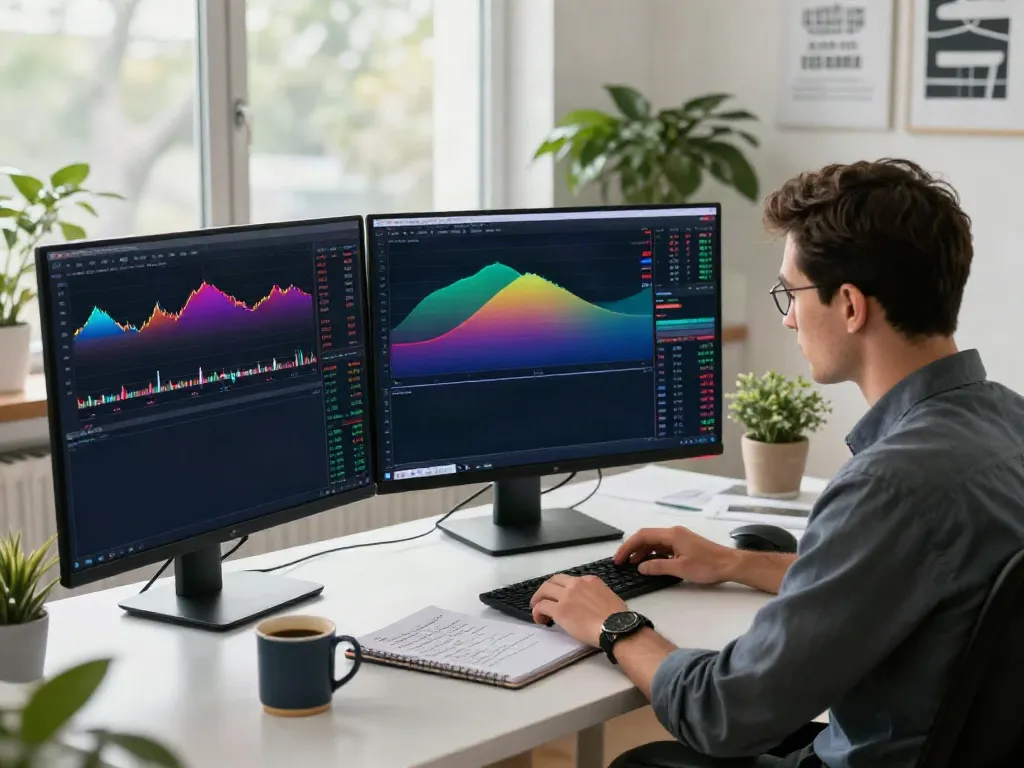
With real-time data and a user-friendly interface, TradingView allows users to create personalized chart layouts, apply various technical indicators, and set alerts to stay informed about market changes. The ability to share insights and collaborate with other traders enhances the overall trading experience, making it more interactive and educational.
Key Features of TradingView for Traders
- Charts and Customization: TradingView offers highly customizable charts that can display different time frames and styles. Users can choose from various chart types, including candlestick, line, and bar charts, and they can easily overlay indicators and drawing tools.
- Community Insights: The platform fosters a vibrant community where traders can share their analyses and strategies. Users can browse through published ideas and strategies from fellow traders, allowing for collaborative learning.
- Alerts and Notifications: Traders can set price alerts and notifications based on specific criteria, helping them to react promptly to market movements without constantly monitoring the charts.
- Pine Script: TradingView's proprietary scripting language, Pine Script, enables traders to create custom indicators and strategies. This feature is particularly useful for those who wish to automate aspects of their trading.
- Backtesting Tools: The Strategy Tester feature allows traders to backtest their strategies against historical data to analyze performance and optimize their approaches before live trading.
Benefits of Using TradingView for Market Analysis
The advantages of using TradingView extend beyond its various features. Here are some key benefits:
- All-in-One Platform: TradingView combines charting, analysis, and social networking in one place, eliminating the need for multiple tools.
- Accessibility: Being web-based, TradingView is accessible from any device with an internet connection, making it convenient for traders on the go.
- Collaboration and Learning: The community aspect of TradingView enables knowledge sharing, offering traders insights into different approaches and strategies.
- Cost-Effective Solutions: With various pricing plans, including a free tier, TradingView caters to both beginner traders and seasoned professionals looking for advanced features.
Setting Up Your TradingView Account
Creating an Account: Step-by-Step Guide
Starting with TradingView is straightforward. Follow these steps to create your account:
- Visit the TradingView website and click on the "Sign Up" button.
- Choose to register using your email address, Google, or Facebook account.
- Fill in the necessary details and confirm your email address.
- Once your account is verified, log in and customize your profile settings.
After setting up your profile, you can access various tools and features that TradingView offers, enabling you to start your trading journey.
Choosing the Right Plan: Free vs. Pro Options
TradingView offers multiple subscription levels, including a free tier and several paid plans. The free version provides basic functionalities, which are suitable for novice traders. However, as traders advance and require more sophisticated features, they may consider the Pro or Pro+ plans, which include enhanced capabilities such as more chart layouts, additional indicators per chart, and improved customer support.
When deciding on a plan, assess your trading frequency and the features you truly need. Many users find that starting with the free version is sufficient before upgrading as their trading demands grow.
Configuring Your Workspace for Optimal Use
After creating your account and selecting a plan, the next step is to configure your workspace. TradingView allows extensive customization of your dashboard, making it possible to tailor the layout to your specific trading style.
- Chart Layouts: Choose layouts that complement your trading strategy, whether it’s day trading or swing trading, and save your preferences.
- Adding Widgets: Incorporate various widgets such as news feeds, economic calendars, or market summaries into your workspace for comprehensive market insights.
- Custom Indicators: Utilize the built-in indicators or create your own using Pine Script to reflect your unique trading approach.
Mastering Charting Tools on TradingView
Using Indicators and Drawing Tools Effectively
TradingView provides a broad array of indicators and drawing tools designed to assist in market analysis. Familiarize yourself with the most common indicators such as Moving Averages, RSI, and MACD. These tools can help identify trends, reversals, and suitable entry or exit points.
Additionally, drawing tools like trend lines, Fibonacci retracement, and support and resistance levels are crucial for visualizing market dynamics. Mastering these tools not only enhances your analysis but also boosts your confidence in making informed trading decisions.
Setting Alerts to Stay Ahead of Market Movements
Alerts are one of TradingView's standout features, allowing traders to set condition-based notifications. By creating alerts for specific price levels, technical indicators, or custom conditions via Pine Script, you can automate part of your market monitoring process.
Alerts can be sent via email or directly through the app, ensuring you don't miss critical market movements. This feature is particularly advantageous for busy traders who cannot continuously watch the markets.
Creating Custom Scripts with Pine Script
Pine Script is a powerful feature that sets TradingView apart from its competitors. With Pine Script, traders can develop custom indicators, alerts, or even entire trading strategies tailored to their specific needs. Beginners can find numerous resources and examples within the community to help them get started.
Once you have developed your script, utilize the Strategy Tester to backtest its performance against historical data, validating its effectiveness before applying it in live trading.
Developing Your Trading Strategy with TradingView
Implementing Backtesting for Strategy Validation
Validation is a crucial step in developing a robust trading strategy. TradingView's Strategy Tester allows you to backtest your strategies using historical data, giving you insights into how your approach would have performed in different market conditions.
By analyzing key metrics such as win rate, maximum drawdown, and risk-to-reward ratio, you can refine your strategies and increase your chances of success in live markets.
Using Community Insights for Improved Strategies
The community aspect of TradingView greatly enhances the learning process. By reviewing ideas and strategies shared by other traders, you can gain different perspectives and insights that may improve your trading approach.
Engage with the community through comments and discussions to deepen your understanding and gather feedback on your trading strategies. This collaboration can be invaluable for refining your methods.
Documenting Your Trades for Future Reference
Keeping track of your trading performance is essential for improvement. TradingView allows you to document your trades, including entry and exit points, reasons for trades, and results. Regularly reviewing this journal enables you to identify patterns in your trading behavior and make necessary adjustments.
Incorporating screenshots of your chart setups and any accompanying notes can further enhance your trading journal, providing a holistic view of your trading evolution.
Future Trends in Trading and TradingView's Role
Emerging Technologies Impacting Trading Platforms
As trading evolves, various emerging technologies are shaping the landscape. Artificial intelligence (AI) and machine learning are playing increasingly significant roles in analyzing data and predicting market movements. TradingView is poised to integrate these technologies to enhance its analytical capabilities and provide users with more sophisticated tools.
Predictions for TradingView's Evolution in 2026
Looking towards 2026, TradingView is expected to continue evolving its platform to incorporate more advanced features, such as deeper integrations with AI-driven analytics and improved user experience. Enhanced social trading functionalities may also be on the horizon, allowing for better collaboration among traders worldwide.
How Traders Can Adapt to Market Changes
With the trading landscape constantly shifting, traders must stay informed and adaptable. Regularly updating your knowledge on market trends, technologies, and TradingView features will empower you to adjust your strategies effectively.
Engaging with webinars, community discussions, and online courses can further enhance your adaptability and skill set as a trader.
What is TradingView's Pricing Structure?
TradingView offers a range of pricing plans, allowing traders to choose based on their needs. The free version provides ample features for beginners, while the Pro and Pro+ plans cater to more serious traders requiring additional functionalities. Ultimately, the right plan depends on your trading frequency, the features you desire, and your budget.
Can Beginners Use TradingView Effectively?
Yes, beginners can effectively use TradingView. The platform is user-friendly, with a wealth of resources available to help new traders get started. From tutorials to community insights, those new to trading can quickly learn the ropes and develop their skills.
Is TradingView Suitable for All Asset Classes?
TradingView is indeed suitable for all asset classes, including stocks, currencies, cryptocurrencies, commodities, and other derivatives. This versatility makes it an ideal platform for traders who want to manage diverse portfolios without needing multiple tools.